Visual
Typography
Typography helps shape how audiences experience our content. It reinforces the clarity of our messaging and the emotion behind our words.
Our official font is Source Sans Pro — a clean, modern, readable typeface. The following guidelines will help you use typography consistently and effectively, ensuring that all our communications support our unified brand identity.
Note: Arial may be used as a substitute only where Source Sans Pro is not available.
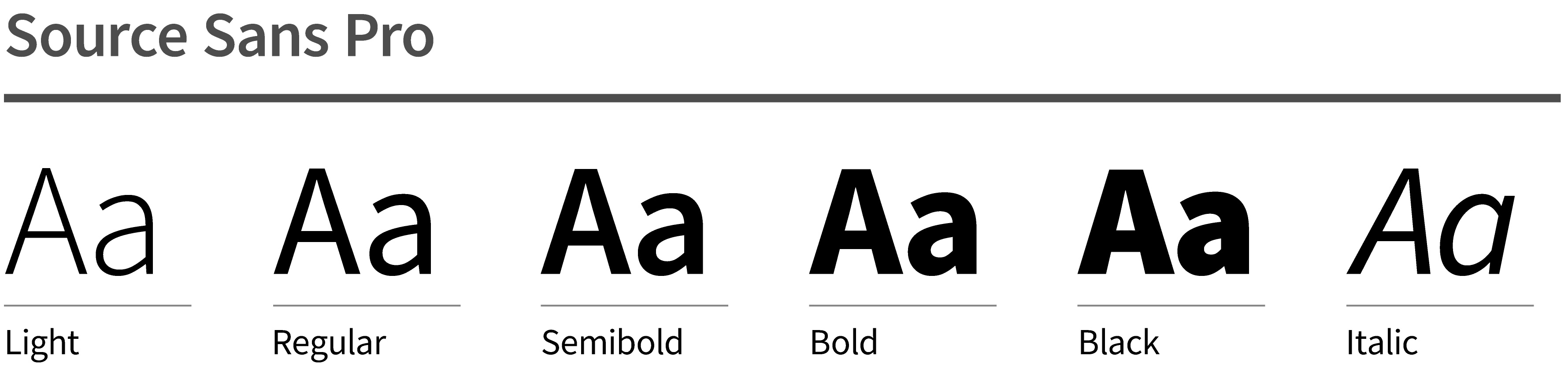
Do
 Prioritize legibility.
- Mind your medium: Standard type sizes vary based on intended medium (e.g., body copy for print vs. web).
- Use black font weights sparingly.
- Use provided paragraph styles.
- Default to optical kerning.
- Default to left-aligned paragraphs.
- Default to 0 pt. tracking for body copy.
- Default to sentence case.
- Align baselines between columns.
Don't
 Introduce fonts outside of official font families.
- Use italics*.
- Use excessively small point sizes.
- Go below -10pts tracking.
- Use wide tracking with lower case.
- Use thin or light font weights for smaller text on dark backgrounds.
- Use transparency on small text.
- Condense, compress, or modify any typeface.
- Use ligatures.
*Only use italics when called for by our editorial style.
Text hierarchy
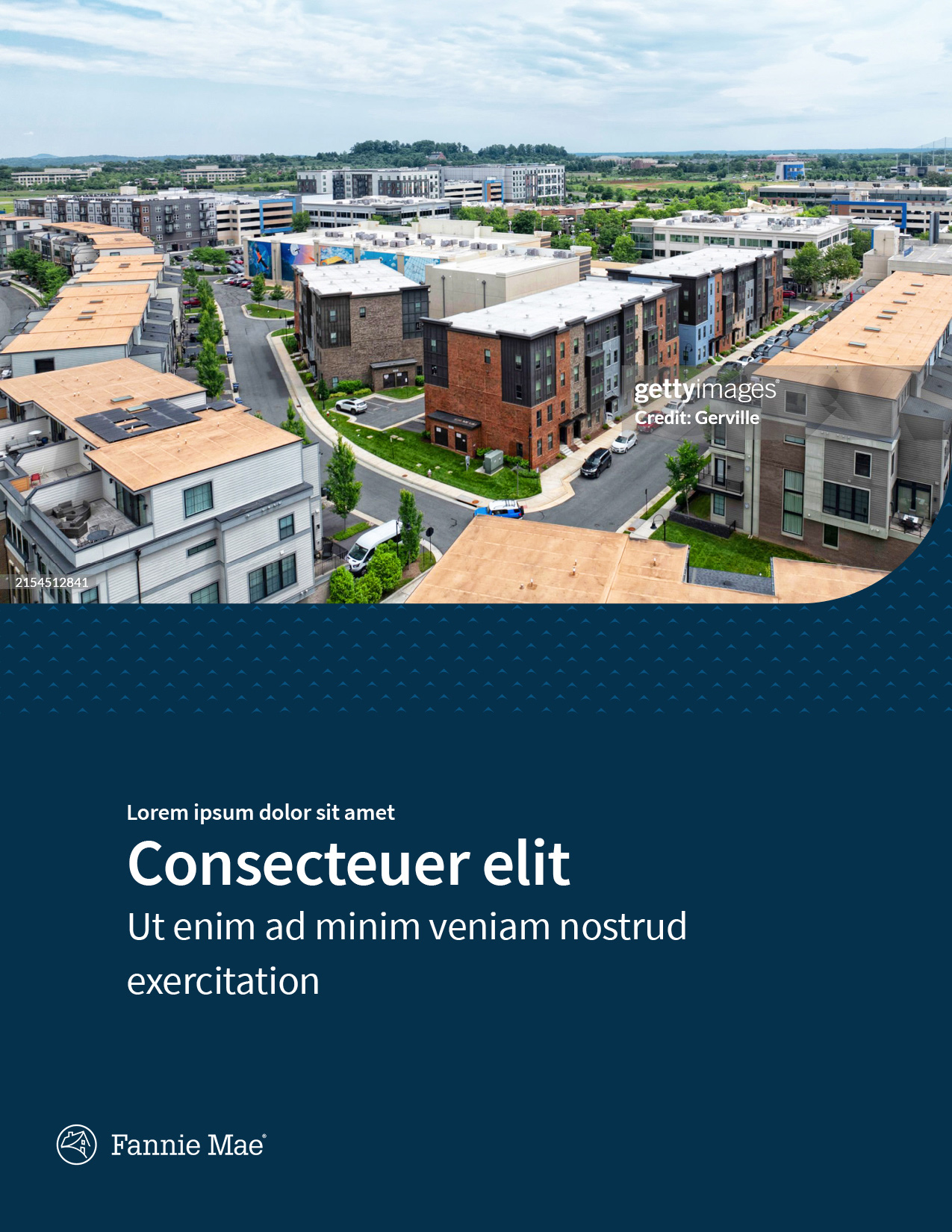
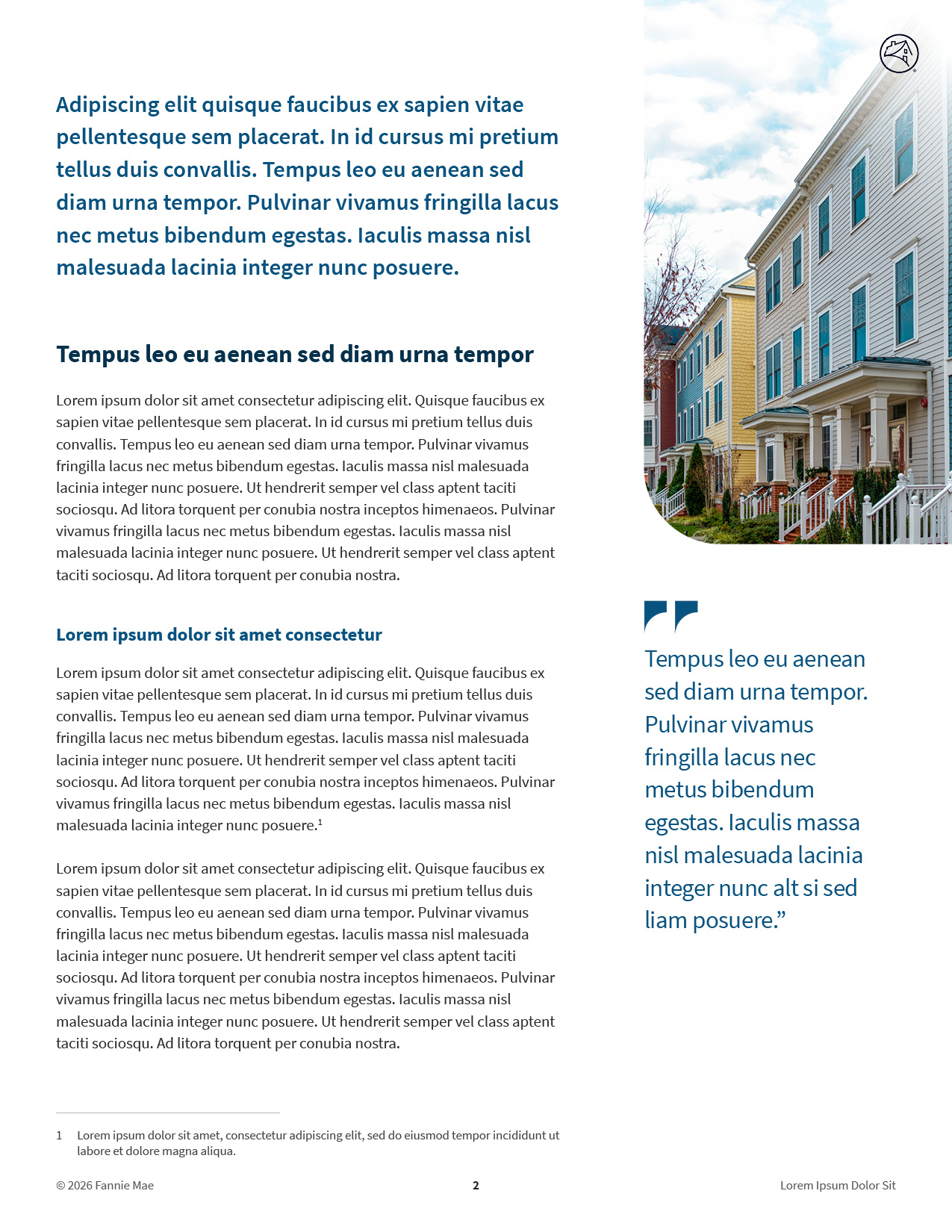
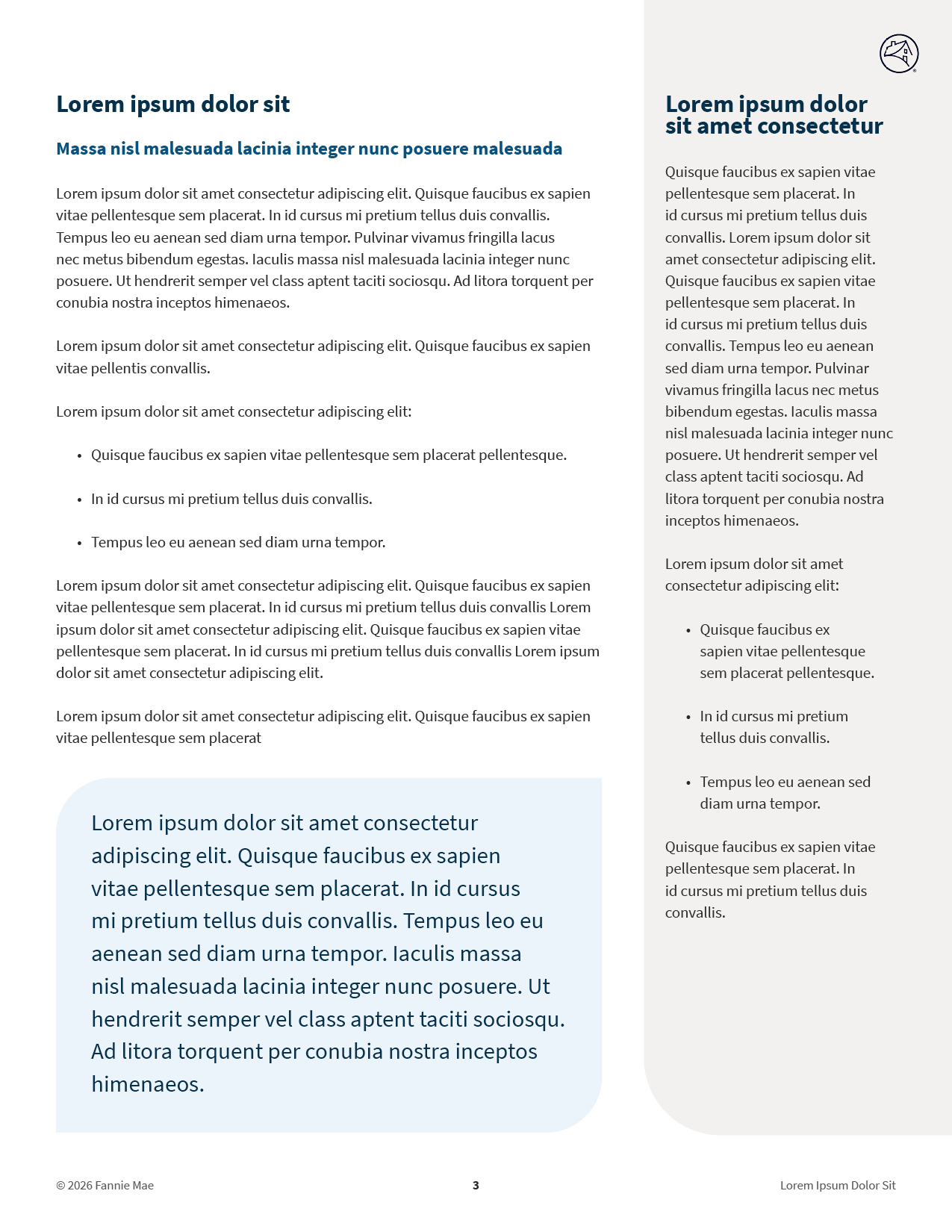
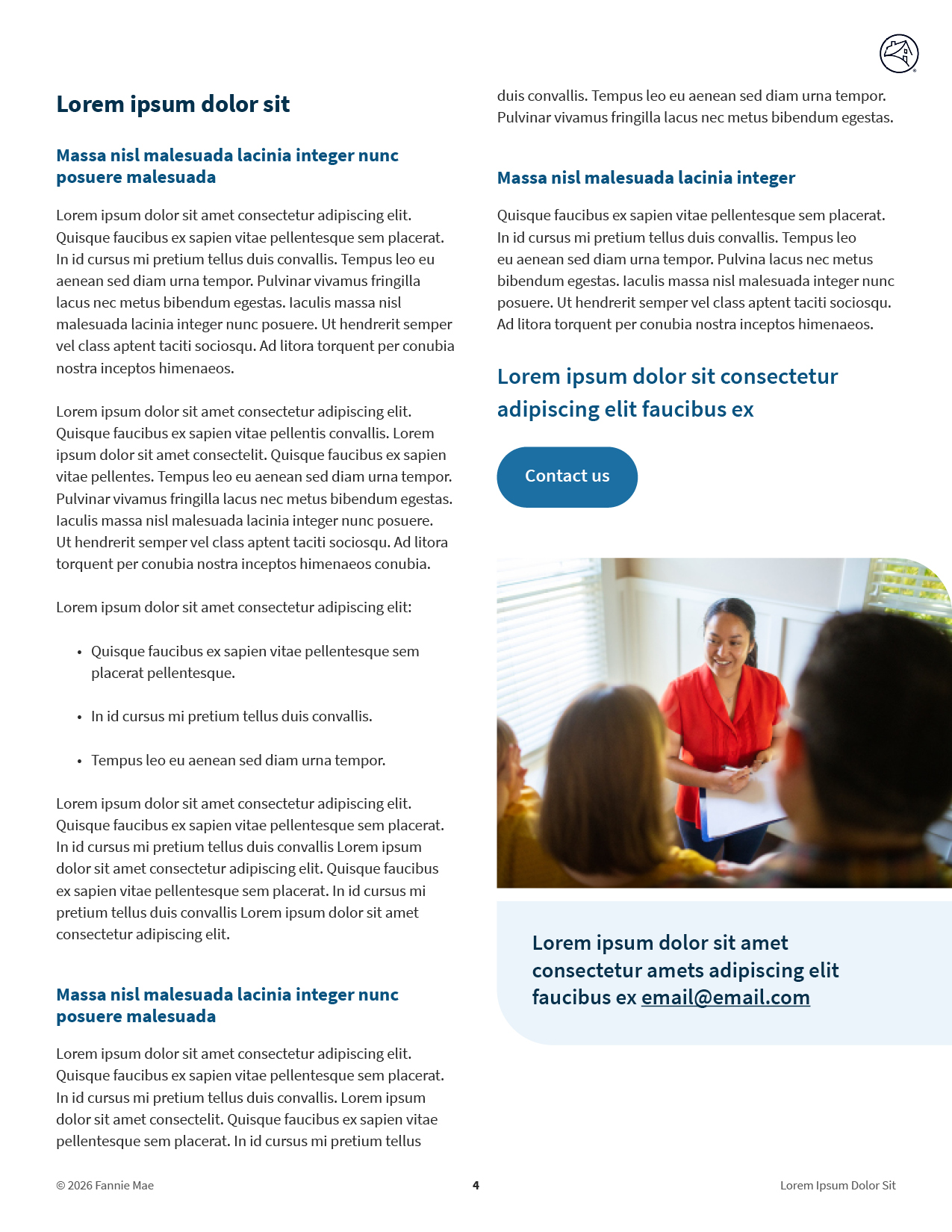
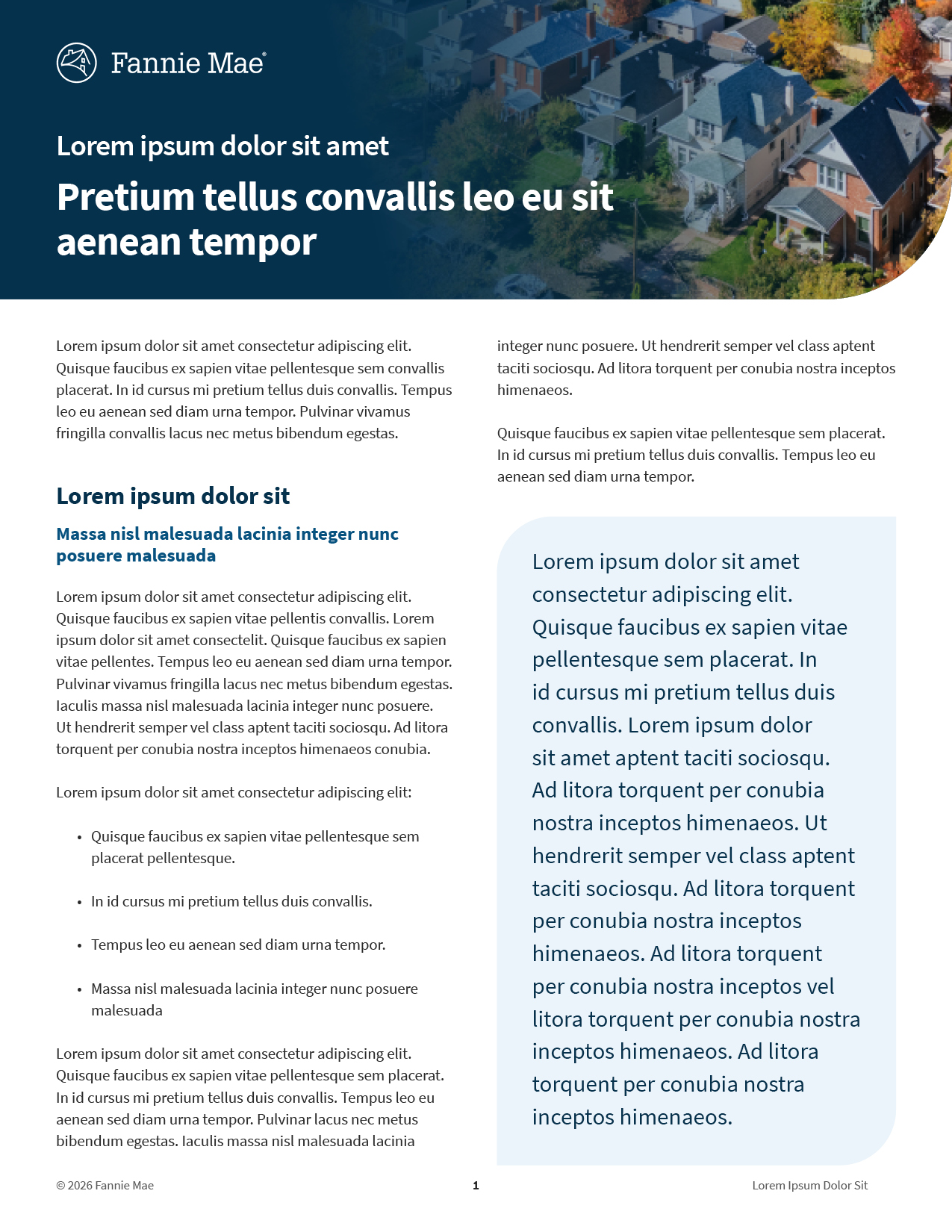
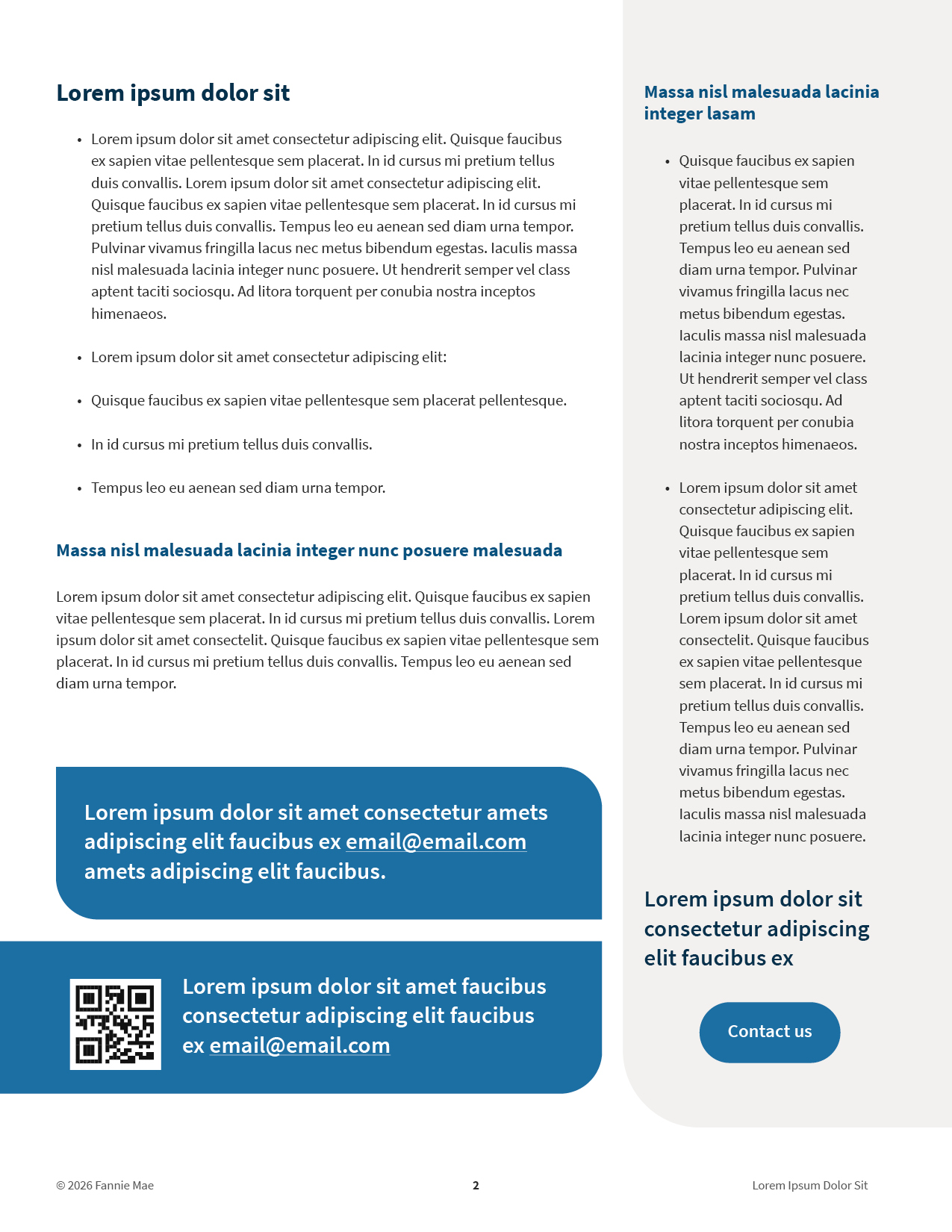
Use of the InDesign brand templates with built-in paragraph styles is required for all editorial-style documents. Do not alter the paragraph styles. The examples shown below demonstrate:
- Brand compliance and cohesion.
- Best practices for informational hierarchy and legibility.
Additionally, these templates have been designed for accessibility.
Examples
Be creative with display type:
- Leverage contrast beyond color: weight, size, upper- vs. lowercase to create dynamic type treatments using Source Sans Pro.
- There is more room for creative solutions within mediums like motion graphics, social graphics, posters, signage, etc.
Display type inspiration

Display type inspiration